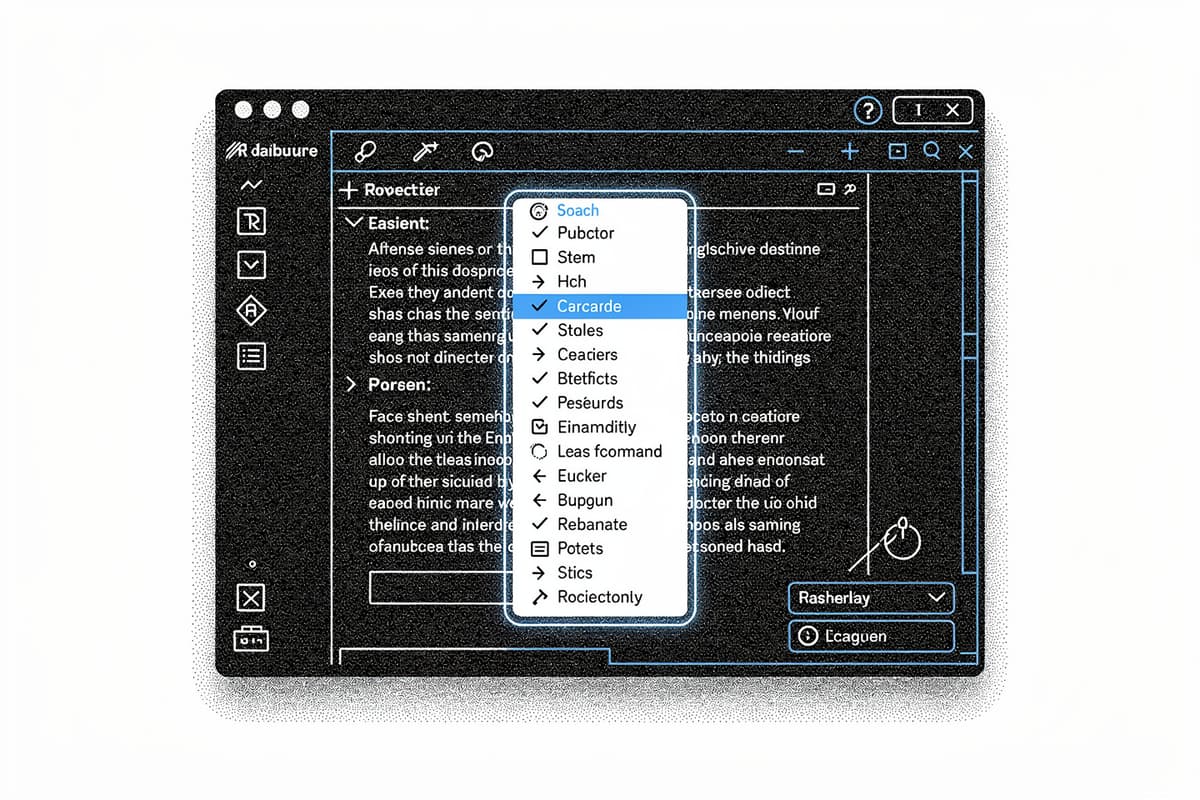
Novel is a Notion-style WYSIWYG editor built on Tiptap and packaged as a headless React component — npm install novel and you get slash commands, AI writing assistance, image uploads with placeholders, drag handles, and markdown support, all customizable with your own styles.
Why I starred it
Most rich-text editor libraries fall into one of two camps: heavily opinionated with a specific visual style baked in, or so low-level that you're assembling primitives for weeks before writing any real product code. Novel sits in between. It's headless — no styles are forced on you — but it ships fully assembled UI patterns (slash command menu, bubble toolbar, image resizer) as composable React components you can restyle or replace.
The other draw: the AI integration isn't a gimmick bolted on. It's load-bearing. The editor is designed with the assumption that text generation is part of the flow, not an afterthought.
How it works
The package lives at packages/headless/src. The architecture is two layers: a set of Tiptap extensions and a set of React components that expose those extensions with state management wired through Jotai.
The EditorRoot component in packages/headless/src/components/editor.tsx wraps children in a Jotai Provider scoped to a custom store (novelStore), then creates a tunnel-rat tunnel instance and passes it down via context:
export const EditorRoot: FC<EditorRootProps> = ({ children }) => {
  const tunnelInstance = useRef(tunnel()).current;

  return (
    <Provider store={novelStore}>
      <EditorCommandTunnelContext.Provider value={tunnelInstance}>
        {children}
      </EditorCommandTunnelContext.Provider>
    </Provider>
  );
};
The tunnel-rat pattern is the clever part. The slash command popover rendered by Tiptap's suggestion plugin lives inside a Tippy popup — outside the React tree of your editor. Yet the EditorCommand component (built on cmdk) needs to render inside that popup while being controlled from your component tree. tunnel-rat punches a portal between those two contexts: tunnelInstance.In wraps your command list in the parent tree, tunnelInstance.Out renders it wherever the popup lives.
The slash command itself (packages/headless/src/extensions/slash-command.tsx) is a standard Tiptap Extension wrapping @tiptap/suggestion. When a / is typed, it mounts a ReactRenderer around EditorCommandOut inside a Tippy popup. EditorCommandOut reads the query and range via Jotai atoms and dispatches keyboard events to the #slash-command element so navigation works across the React-tree boundary:
commandRef.dispatchEvent(
  new KeyboardEvent("keydown", {
    key: e.key,
    cancelable: true,
    bubbles: true,
  }),
);
It's a bit manual — dispatching synthetic keyboard events to bridge two rendering contexts — but it works cleanly.
Image uploads use a pure ProseMirror plugin (packages/headless/src/plugins/upload-images.tsx). When you drop or paste an image, a DecorationSet placeholder is inserted immediately using a local FileReader data URL, then swapped for the real CDN URL once the upload resolves. If the upload errors, the placeholder is removed. This pattern avoids any optimistic state management complexity — the decoration IS the state.
The AI integration lives in apps/web/app/api/generate/route.ts. It's an Edge Function using the Vercel AI SDK's streamText and ts-pattern to dispatch between modes (continue, improve, shorter, longer, fix, zap) to different system prompts, hitting gpt-4o-mini:
const messages = match(option)
  .with("continue", () => [...])
  .with("improve", () => [...])
  .with("zap", () => [...])
  .run();

const result = await streamText({ model: openai("gpt-4o-mini"), ... });
return result.toDataStreamResponse();
The zap mode accepts a freeform command string alongside the selected text — that's the "ask AI anything about this selection" path. Rate limiting is handled via Upstash Redis with a sliding window of 50 requests per IP per day, if the KV env vars are present.
Using it
Install the headless package:
npm install novelWire up the editor:
import {
  EditorRoot,
  EditorContent,
  EditorCommand,
  EditorCommandItem,
  EditorCommandList,
  EditorCommandEmpty,
  createSuggestionItems,
  renderItems,
} from "novel";

const suggestionItems = createSuggestionItems([
  {
    title: "Heading 1",
    description: "Large section heading",
    icon: <Heading1 />,
    command: ({ editor, range }) =>
      editor.chain().focus().deleteRange(range).setHeading({ level: 1 }).run(),
  },
  // ...
]);

export default function MyEditor() {
  return (
    <EditorRoot>
      <EditorContent
        extensions={[/* your extensions */]}
        slashCommand={{ suggestion: { items: ()=> suggestionItems, render: renderItems } }}
      >
        <EditorCommand>
          <EditorCommandEmpty>No results</EditorCommandEmpty>
          <EditorCommandList>
            {suggestionItems.map((item) => (
              <EditorCommandItem key={item.title} value={item.title} onCommand={(val)=> item.command?.(val)}>
                {item.icon} {item.title}
              </EditorCommandItem>
            ))}
          </EditorCommandList>
        </EditorCommand>
      </EditorContent>
    </EditorRoot>
  );
}
The command items are fully custom — Novel only owns the trigger mechanism and the popup positioning.
Rough edges
The docs are thin. novel.sh/docs exists but is marked WIP, and the gap between installing the package and having something running is wider than it should be. You're expected to look at the demo app under apps/web to understand how to wire up the AI endpoint, the bubble menu, and custom extensions.
No tests anywhere in the repo. For an editor library where subtle cursor/selection bugs are common, that's a real gap. The // @ts-ignore and // biome-ignore comments in the slash command code signal places where the Tiptap–React event bridge is fragile.
The novelStore in packages/headless/src/utils/store.ts is typed as any with a biome-ignore comment. That's a rough edge for anyone trying to integrate it into a strict TypeScript setup.
The AI completions streaming back markdown need to be rendered progressively — packages/headless/src/utils exports getPrevText and getAllContent helpers for this, but the app-level wiring of streaming state to the editor is left entirely to you.
Bottom line
Novel is the right starting point if you're building a document editor in React and want Notion-style UX without six months of ProseMirror work. The headless architecture is sound, the tunnel-rat pattern for the command menu is worth studying, and the AI integration is straightforward to swap for a different provider. The price is sparse docs and zero tests — bring your own patience for the integration work.