What it does
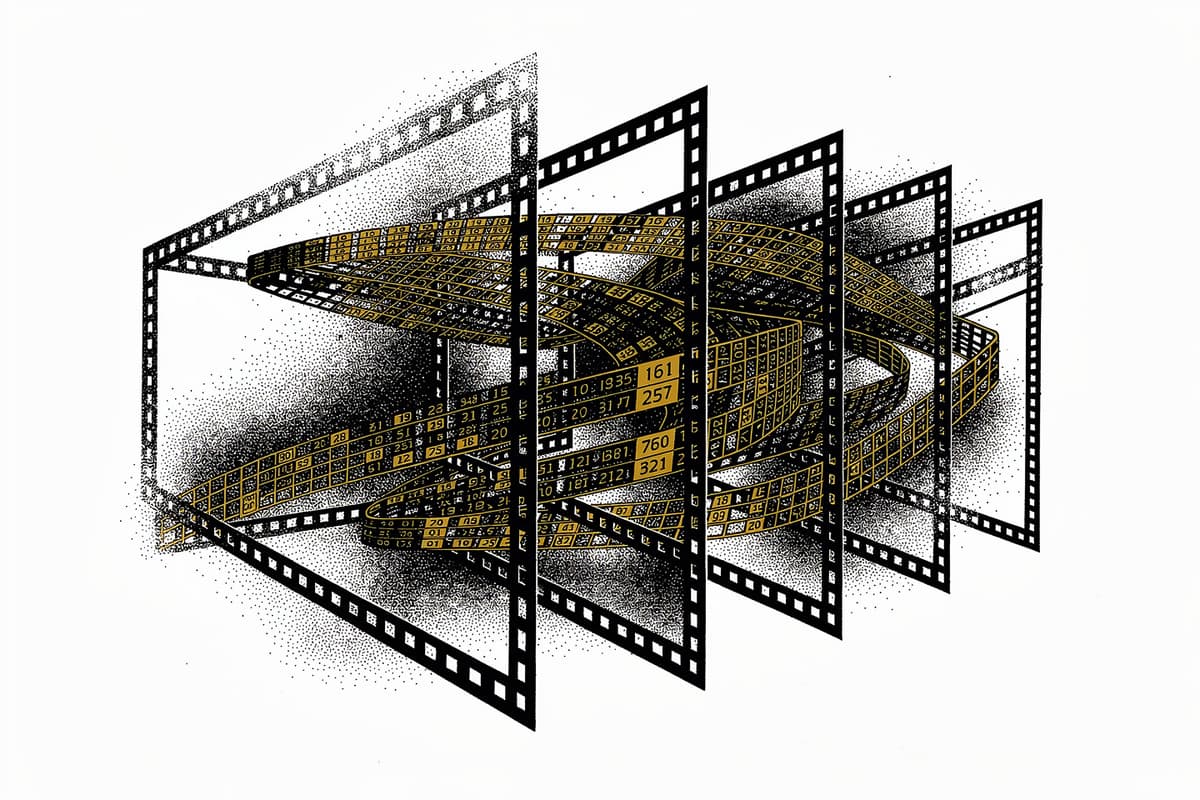
MoviePy lets you edit video in Python — cuts, overlays, text insertion, GIF export, audio manipulation — by treating every clip as a function from time to numpy array. Chain transformations, composite clips, and write the result back to disk via ffmpeg.
Why I starred it
I kept running into situations where I needed to automate video processing: batch trimming footage, adding captions programmatically, generating preview GIFs from longer clips. The GUI editors don't fit in a script and calling ffmpeg directly for anything involving compositing or text is genuinely painful. MoviePy sits in the right abstraction layer — high enough to express "overlay this text clip at position center from t=2 to t=5", low enough that you can drop to numpy and manipulate individual frames when you need to.
The v2.0 rewrite (led by @OsaAjani, merged in #2024) introduced a cleaner effect system and proper dataclasses for effects. It's a meaningful architecture improvement over v1, though it ships with breaking changes that make upgrading non-trivial.
How it works
The central abstraction is Clip, defined in moviepy/Clip.py. Every clip — video or audio — is backed by a frame_function: a callable that takes t (time in seconds) and returns a numpy array. That's the whole model. Transformations produce new clips with new frame_function closures wrapping the old ones.
def transform(self, func, apply_to=None, keep_duration=True):
    new_clip = self.with_updated_frame_function(lambda t: func(self.get_frame, t))
    ...
    return new_clip
This means effects are lazy. Nothing is decoded until you call write_videofile() or get_frame(t). A chain of ten effects is just ten nested closures, all evaluated at render time when ffmpeg requests each frame.
Effects in v2 are proper classes extending the abstract Effect base in moviepy/Effect.py. They're implemented as @dataclass with an apply(clip) -> clip method. The Crop effect (moviepy/video/fx/Crop.py) is a clean example — all the geometry is just fields, and apply() calls clip.image_transform() which wraps the frame function with a numpy slice:
@dataclass
class Crop(Effect):
    x1: int = None
    y1: int = None
    x2: int = None
    y2: int = None
    width: int = None
    height: int = None
    x_center: int = None
    y_center: int = None

    def apply(self, clip: Clip) -> Clip:
        ...
        return clip.image_transform(
            lambda frame: frame[int(self.y1):int(self.y2), int(self.x1):int(self.x2)],
            apply_to=["mask"],
        )
The outplace decorator in moviepy/decorators.py is the mutation guard. Every method that modifies clip state copies the clip first via clip.copy(), modifies the copy, and returns it. This is what enables the fluent chaining style — each call returns a new object rather than mutating in place.
Compositing in CompositeVideoClip resolves layers by clip.layer_index, picks the highest FPS from all constituent clips, and generates frames by blitting each clip's output onto a background array in layer order. The alpha compositing path uses the clip's mask attribute — also a VideoClip whose frame_function returns float arrays rather than RGB.
The memoization in Clip.get_frame() is deliberately simple: it caches exactly one frame. If you call get_frame(t) twice with the same t, the second call hits the cache. Sequential rendering (which is all ffmpeg ever does) benefits from nothing. It's a nice convenience for interactive exploration, not a performance optimization.
Recent commits show active maintenance — a PR from August 2025 reintroduced OpenCV for rotation and resize operations after it was removed, citing measurable performance improvements. The minimum Python version was bumped to 3.9 explicitly in September 2025.
Using it
from moviepy import VideoFileClip, TextClip, CompositeVideoClip
from moviepy.video.fx import Crop, FadeIn

clip = (
    VideoFileClip("input.mp4")
    .subclipped(10, 30)
    .with_effects([Crop(x1=100, x2=1820), FadeIn(1)])
)

caption = (
    TextClip(font="Arial.ttf", text="Scene 1", font_size=48, color="white")
    .with_duration(5)
    .with_position(("center", "bottom"))
)

final = CompositeVideoClip([clip, caption])
final.write_videofile("output.mp4", fps=24)
For GIF exports:
clip.subclipped(0, 3).write_gif("preview.gif", fps=15)The API is genuinely readable. with_volume_scaled(), with_position(), with_duration(), subclipped() — these are all outplace methods that return new clip objects, so the whole thing chains cleanly.
Rough edges
The performance story is honest in the README itself: "slower than using ffmpeg directly due to heavier data import/export operations." Every frame goes Python → numpy → ffmpeg. For a single-pass export of a 10-minute file you'll feel it. If throughput matters, script ffmpeg directly or use ffmpeg-python which stays in the subprocess layer.
The v1 → v2 migration is real work. The effect API changed completely — v1 used function-based effects, v2 uses class instances. If you have existing v1 scripts, there's no compatibility shim, and the migration guide is thorough but long.
TextClip requires ImageMagick or PIL with font files accessible on the filesystem. The font path is passed explicitly — no system font resolution. On Linux this often requires knowing exactly where Arial.ttf lives (it likely doesn't exist, and you'll need to substitute).
The test suite exists and runs in CI, but coverage is uneven. Core clip operations are tested; some of the compositing edge cases are less thoroughly exercised.
Bottom line
MoviePy is the right tool when you're automating video processing as part of a larger pipeline — batch exports, CI-driven caption generation, programmatic GIF creation. Don't use it for interactive editing or anything where per-frame throughput is the bottleneck.