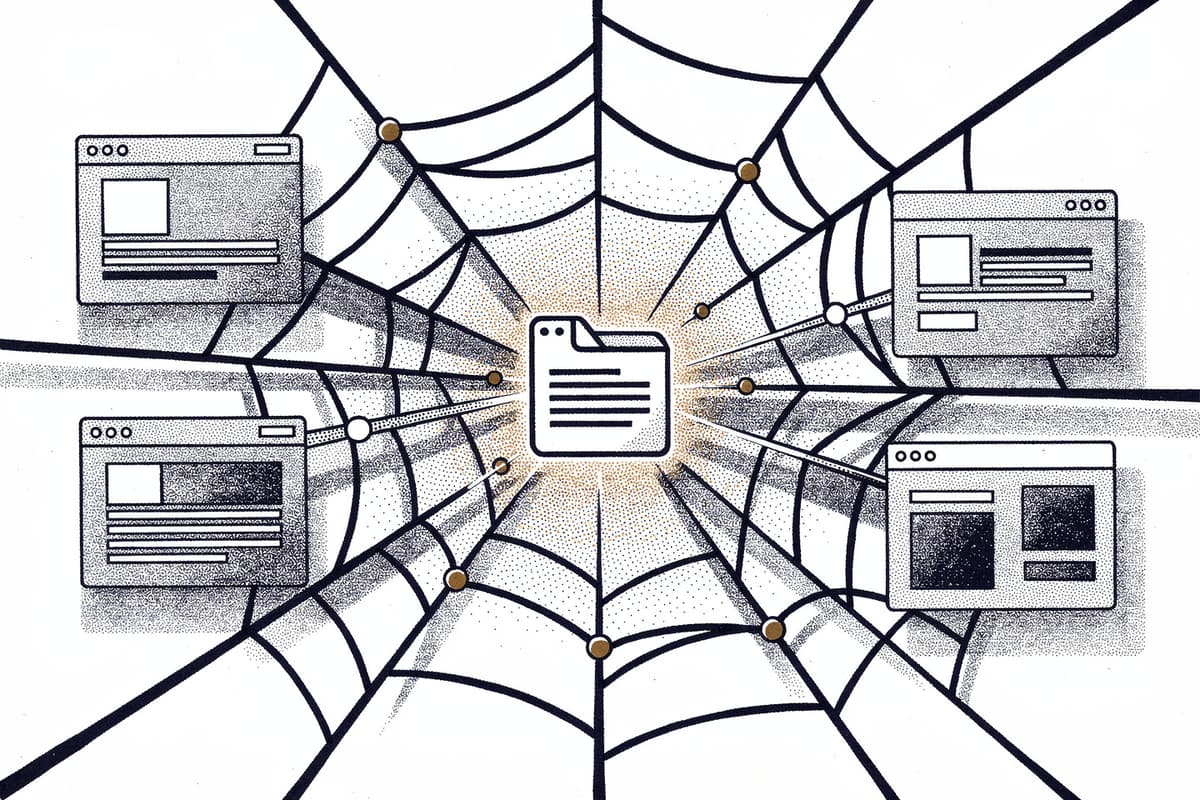
sitefetch crawls an entire website and dumps it as plain text — or optionally JSON — with a token count included. The point is getting documentation, blog posts, or any public site into something an LLM can actually consume.
Why I starred it
The problem is tedious: you want to ask an AI about a library's docs, but the docs live across 40 pages. Copy-pasting is manual. Existing scrapers give you HTML soup. What you actually need is the readable content from each page, concatenated, with noise removed.
sitefetch solves exactly that. No configuration files, no plugins. One command.
How it works
I opened src/index.ts and traced the execution from fetchSite() down. It's a Fetcher class wrapping a p-queue instance — concurrent page fetching with a default concurrency of 3, adjustable via --concurrency.
class Fetcher {
  #pages: FetchSiteResult = new Map()
  #fetched: Set<string> = new Set()
  #queue: Queue

  constructor(public options: Options) {
    const concurrency = options.concurrency || 3
    this.#queue = new Queue({ concurrency })
  }
The private #fetchPage method is where the real work happens. It:
- Skips already-visited pathnames (tracked in
#fetched, aSet<string>on pathname — not full URL — so query params don't cause re-fetches) - Fetches the page with a proper
Sitefetchuser-agent so servers know what's hitting them - Redirects to a different host are silently ignored — cross-origin crawling is off by default
- Strips
script,style,link,img, andvideotags via cheerio before parsing - Extracts all
<a>hrefs on the same host and pushes them into the queue - Runs the HTML through
happy-domto build a real DOM, then passes it to@mozilla/readability - Converts the readability output to Markdown via
turndown
The match filtering (-m "/blog/**") is applied via micromatch in src/utils.ts, but with a key detail: the starting URL always bypasses the match check (skipMatch: true). This means sitefetch always fetches the root page to discover links, even if the root doesn't match the pattern. Only discovered URLs get filtered.
Content extraction via readability is good for article pages but notoriously unreliable on docs sites with custom layouts. That's why --content-selector exists — you can pass a CSS selector to scope what gets extracted. The Options type even allows a function:
contentSelector?: string | ((ctx: { pathname: string }) => string | void | undefined)That means you can write logic like: use .content for /docs/** but let readability handle /blog/**. Underused feature that nobody documents.
The final output serialization in serializePages() wraps each page in XML-style tags:
<page>
  <title>Getting Started</title>
  <url>https://vite.dev/guide/</url>
  <content>## Installation...</content>
</page>
This is a reasonable choice. LLMs parse XML-tagged blocks well, and it makes it easy to split pages back out programmatically if needed. JSON output is also available if the filename ends in .json.
One thing the CLI does that the README glosses over: after crawling, it runs every page's content through gpt-tokenizer and prints the total token count. That's the number you actually need when deciding whether to stuff this into a system prompt or chunk it.
Using it
# Crawl a site, write to file
sitefetch https://vite.dev/guide -o vite-docs.txt --concurrency 10

# Match specific paths only
sitefetch https://vite.dev -m "/blog/**" -m "/guide/**" -o vite.txt

# Scope content extraction to a CSS selector
sitefetch https://vite.dev --content-selector ".content" -o vite.txt

# Cap how many pages to fetch
sitefetch https://egoist.dev -o egoist.txt --limit 20
Output looks like:
ℹ Started fetching https://vite.dev/guide with a concurrency of 10
ℹ Fetching https://vite.dev/guide/
ℹ Fetching https://vite.dev/guide/why
...
ℹ Total token count for 47 pages: 84.2K
As a library:
import { fetchSite, serializePages } from "sitefetch"

const pages = await fetchSite("https://egoist.dev", {
  match: ["/posts/**"],
  concurrency: 5,
  contentSelector: ".prose",
})

const text = serializePages(pages, "text")
The return type is Map<string, Page> — pathname as key, { title, url, content } as value. Easy to iterate.
Rough edges
The dependency layout is slightly odd: @mozilla/readability and cac and p-queue are in devDependencies but they're runtime deps used in the CLI and core library. This works fine when distributed (rolldown bundles everything into dist/), but it's misleading if you import the source directly.
There are zero tests. The package.json test script is literally echo "Error: no test specified" && exit 1. Not a problem for a CLI this small, but it does mean no regression safety for edge cases like redirect loops or malformed HTML.
The last commit was January 2025. At ~1700 stars the repo is clearly used, but it's early-stage and probably not actively maintained. If a site does redirect loops or has infinite scroll pagination, you'll need to work around it yourself — the #fetched set only deduplicates by pathname, not by normalized URL with query params stripped.
SPA content that requires JavaScript execution won't render. happy-dom is configured with disableJavaScriptEvaluation: true, so anything behind a React/Vue app will come back empty. Not a flaw exactly — just the scope the tool is designed for.
Bottom line
If you need to get a static or server-rendered docs site into an LLM context window in one command, this does it cleanly. The architecture is simple enough to fork if you need JS rendering or custom storage — the Fetcher class is less than 150 lines.